

Dropbox Downloader
Dropbox Downloader is a free tool that simplifies the process of downloading files from Dropbox. With just a few clicks, you can download any file in any format.
Dropbox Link Converter
e.g. https://www.dropbox.com/scl/fi/l4njmg12le2s8col0ly6f/Dropbox-logo.png?rlkey=9jk5erm2rbjh4n1ghw0xc6if6&dl=0
We never upload, store, or see your files. The link is rewritten locally in your browser with JavaScript — nothing is sent to our servers.
What is Dropbox Downloader?
Dropbox stores shared files behind a web preview page by default — when someone opens a standard share link, they land on Dropbox’s own viewer instead of getting the file itself. That’s useful for browsing, but not when you actually want the file on your device right now.
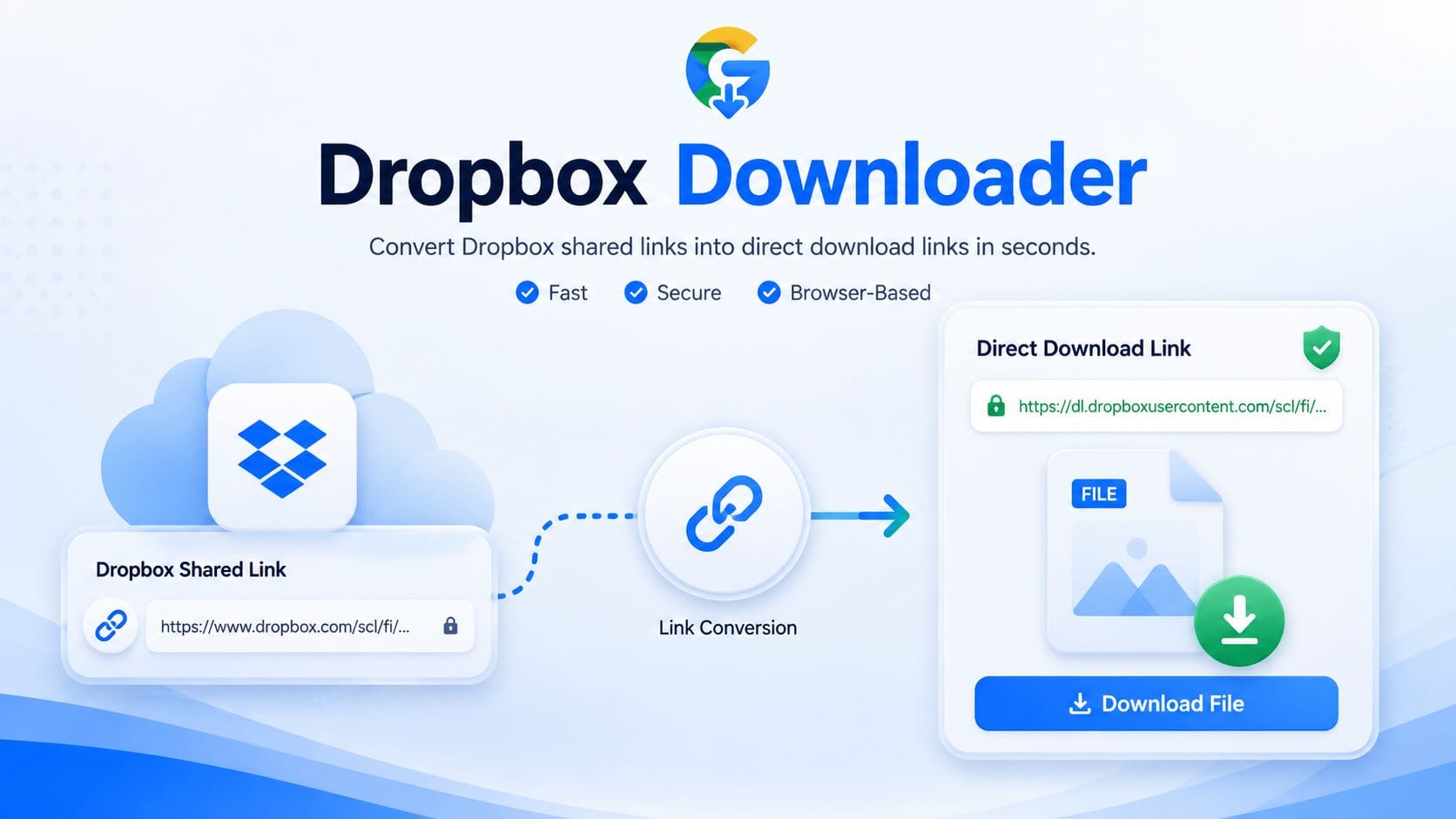
Dropbox Downloader closes that gap. It reads the share link you already have, rewrites its sharing parameters, and hands back a direct link that starts the download immediately. The same converted link also works as a direct file source — dropped into an image tag, a download button, a spreadsheet formula, or an automation script — anywhere a normal share link would otherwise force a detour through Dropbox’s preview page first.
How this Dropbox Downloader works
Three steps, all handled instantly in your browser tab.
- Paste your Dropbox share linkCopy any “Copy link” URL from Dropbox and drop it into the box above.
- The link is rewritten instantlyThe tool swaps the sharing parameter (
dl=0todl=1) so Dropbox serves the file instead of the preview page — done locally in JavaScript, nothing leaves your browser. - Copy or downloadUse the direct link anywhere — browser, email, script — or click Download File to save it right away.
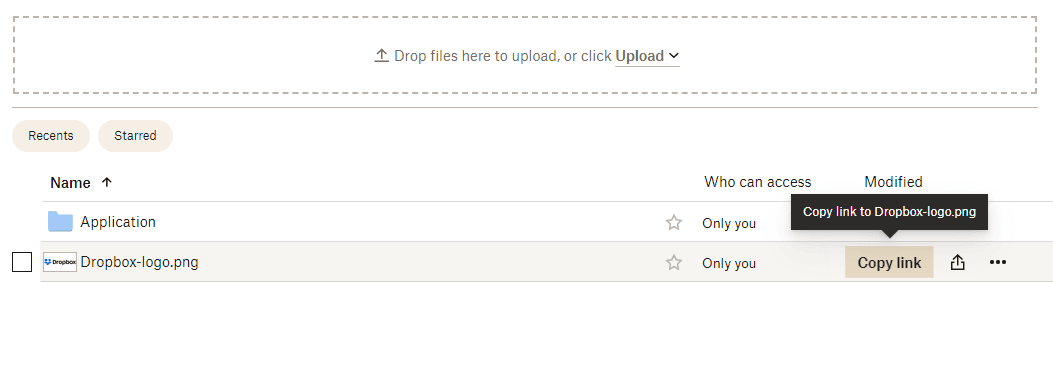
How to copy a share link from Dropbox
You’ll need a share link before you can convert it. Here’s how to get one.
- Sign in at dropbox.comFind the file or folder you want to share.
- Click the Share iconHover over the file and click the share icon that appears, or right-click and choose “Copy link.”
- Set the link permissionChoose “Anyone with the link can view” — create a link first if one doesn’t exist yet.
- Copy the linkDropbox copies the sharing URL to your clipboard — paste it into the tool above.
3 ways to get a Dropbox direct download link
| Method | What it takes | Needs an account | Works on mobile |
|---|---|---|---|
| Edit the URL by hand | Manually change dl=0 to dl=1 | No — just the link | Fiddly on small keyboards |
| Dropbox desktop/mobile app | Install the app, sign in, find the file, use the share sheet | Yes | Yes |
| This Dropbox Downloader | Paste the link, click once | No | Yes |
Is it safe to use an online Dropbox downloader?
Yes — as long as the tool works the way this one does: by rewriting text, not touching your files.
How your data stays private
This tool only rewrites the link’s text — it never opens, uploads, or stores your file anywhere. The conversion runs as a single piece of JavaScript in your own browser tab. Once you copy or click the direct link, your browser talks straight to Dropbox’s own servers — the same place the original share link already pointed to. We never see the file, and we never ask you to sign in to Dropbox or grant any permissions.
One limitation worth knowing: a direct link only works if the file’s sharing permission is set to “Anyone with the link can view.” Private or expired links will still show a Dropbox sign-in page.
Why use this Dropbox Downloader
No sign-up
Paste and go — no Dropbox login required.
100% client-side
Nothing you paste ever reaches our servers.
Any file type
Documents, ZIPs, images, video — anything Dropbox hosts.
Free, forever
No premium tier, no watermark, no daily limit.
Mobile-ready
Same tool, same speed, on phones and tablets.
No installs
Works in any modern browser — nothing to download first.
Frequently asked questions
What is a Dropbox direct download link?
A direct download link is a Dropbox share URL rewritten so clicking it starts the file downloading immediately, instead of opening the Dropbox web preview page first.
Is this Dropbox Downloader free to use?
Yes. The tool is free with no account, sign-up, or hidden limits.
Do I need a Dropbox account to use this tool?
No — you only need a share link that someone (or you) already created in Dropbox.
Why does my link still open the Dropbox preview page?
This usually means the link’s permission isn’t set to public viewing, or the link has expired. Check the sharing settings in Dropbox and generate a new link if needed.
Does this tool work with Dropbox folders as well as files?
Yes — folder links convert the same way, but Dropbox delivers the folder as a .zip archive.
Is my file uploaded to your server?
No. The conversion is a simple text rewrite that runs in your browser; your file stays on Dropbox’s servers the entire time.
Can I use the direct link in my own website or app?
Yes — direct links are commonly embedded in image tags, download buttons, or automation scripts, as long as the underlying Dropbox link stays public.
Why did my direct link stop working after a while?
Dropbox share links can expire or be revoked by the file owner at any time. If that happens, generate a fresh share link in Dropbox and convert it again.
About this tool
Built and maintained by the GoogleDriveDownloader.com team, who also build direct-link tools for other cloud storage services. We periodically re-test the conversion logic above against Dropbox’s current link format to confirm it still works as described.
Dropbox Downloader is an independent, third-party utility. It is not affiliated with, endorsed by, or sponsored by Dropbox, Inc. Dropbox is a trademark of Dropbox, Inc.